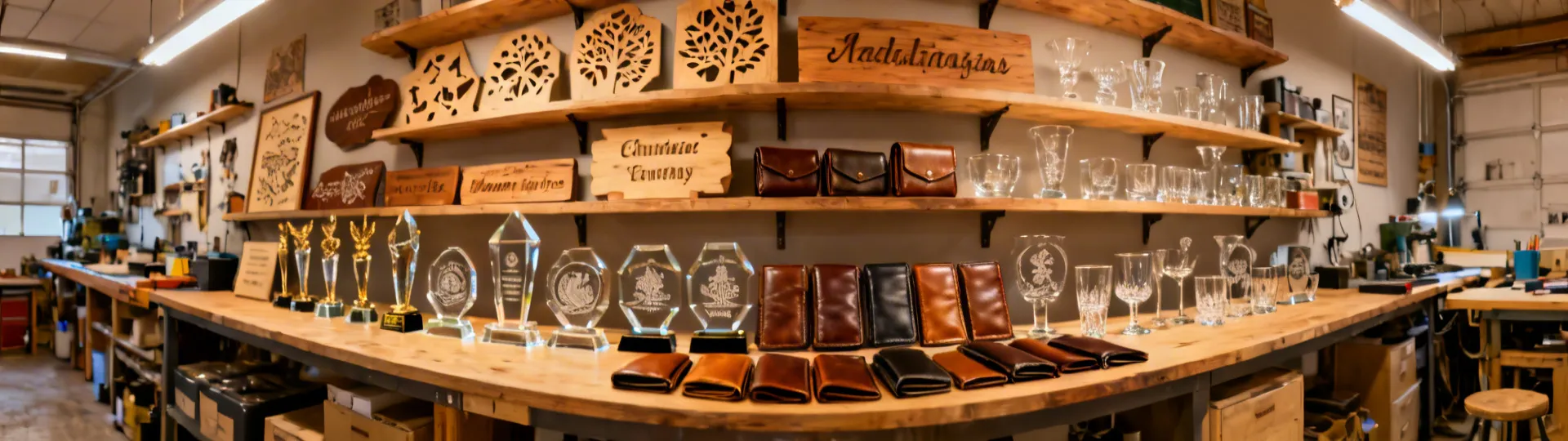
xTool S1 Laser Solutions for Every Workshop
Discover how the xTool S1 helps small businesses, educators, and creators turn raw materials into finished products faster and more accurately.
Discover how the xTool S1 helps small businesses, educators, and creators turn raw materials into finished products faster and more accurately.
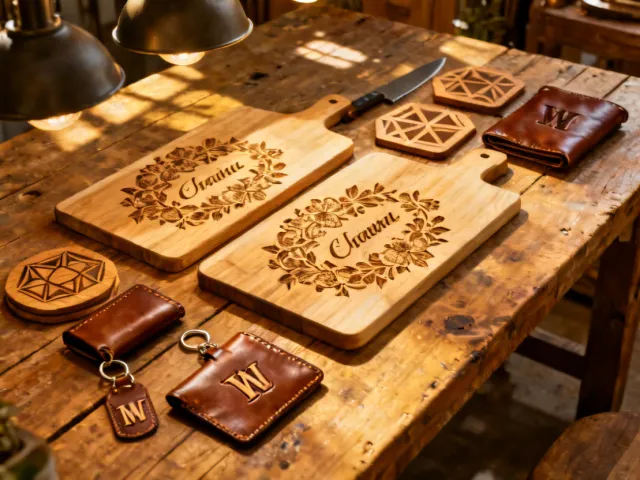
Etsy sellers, local gift shops, and seasonal pop-up stores use the xTool S1 to add names, dates, and custom artwork to wood, leather, acrylic, and glass. The built-in material presets make it easy to switch between substrates without re-calibrating your settings.
Rachel Morrison launched her Etsy gift shop in 2022, hand-stamping wooden cutting boards. In March 2025 she added an xTool S1 40W. Weekly output went from 50 boards in three days of manual stamping to 50 boards in under three hours of laser engraving. Average order value rose 22% because customers could add multi-line custom text at no extra production cost. The main trade-off: her product photos now need reshooting because the laser finish looks different from the hand-stamped look her original brand was built on.
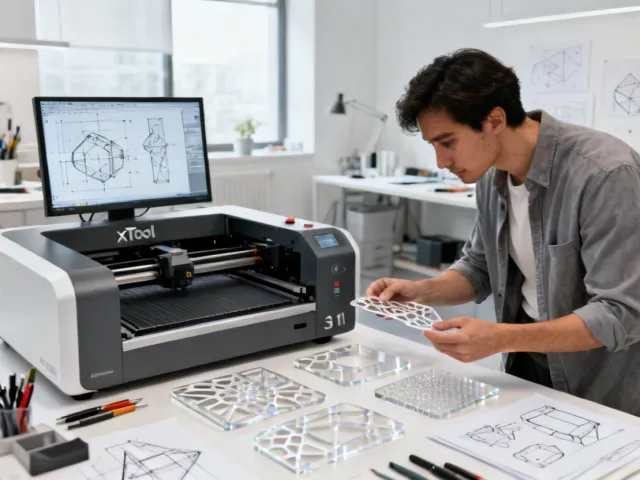
Design studios and small manufacturers cut acrylic, MDF, and plywood prototypes in minutes instead of waiting days for outsourced parts. Import DXF or SVG files from your CAD software and iterate on the spot.
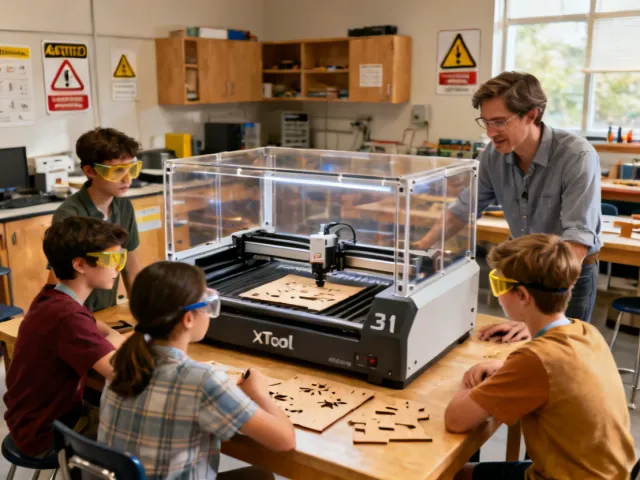
Schools and libraries integrate the xTool S1 into STEM curricula. The Class 1 enclosed design means students can operate the machine in open-plan rooms without dedicated laser safety infrastructure.
Dr. James Kowalski, Director of the Fabrication Lab, deployed four xTool S1 40W units in Fall 2025 across two open-plan maker rooms. 120 mechanical engineering students now use the machines weekly for functional prototypes in their capstone design course. The enclosed design eliminated a planned $8,000 ventilation retrofit. Kowalski noted that the 596mm bed width is too small for architectural-scale models, so the lab still routes students to the industrial CO2 cutter for projects larger than A2 size.
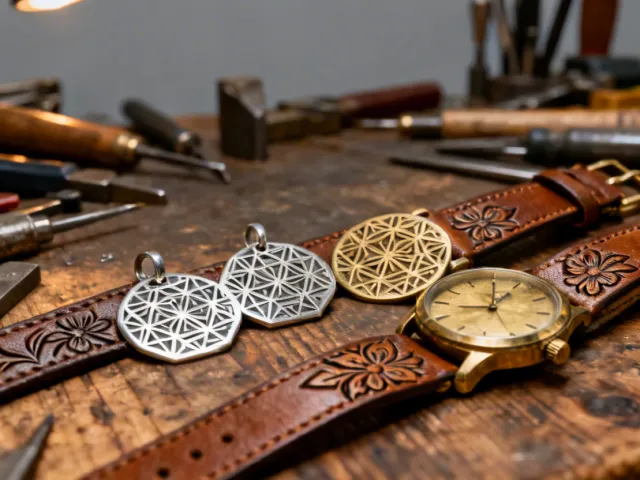
Artisan jewelers and leather workers use the IR module to engrave directly onto stainless steel pendants and brass tags. The diode module cuts intricate shapes in leather, felt, and fabric for wallets, bags, and watch straps.
The IR module marks metals by surface discoloration (annealing), not by deep engraving. It cannot cut metal sheet stock; for that you would need a fiber laser cutter rated at 500W or above. Polished aluminum and copper are poor candidates because the 1064nm wavelength reflects off highly polished surfaces, producing faint or uneven marks. Pre-treating with marking spray (such as CerMark or Thermark) improves contrast on difficult metals but adds a manual step.
Over 300 material types are supported. Here are the most popular categories.
Plywood, MDF, Bamboo, Hardwood
Clear, Colored, Frosted, Cast, Extruded
Genuine, PU, Suede, Vegetable-Tanned
Flat, Curved, Tempered (engrave only)
Stainless Steel, Brass, Titanium (IR module)
Cotton, Denim, Felt, Canvas, Polyester
Slate, Marble, Granite (engrave only)
Kraft, Cardboard, Bristol, Corrugated
Four steps from design file to finished piece.
Open xTool Creative Space and create a design from scratch or import an SVG, DXF, PNG, or AI file.
Choose your material from the built-in database or enter custom speed, power, and pass values.
Place your workpiece inside the enclosure. The camera preview and autofocus handle alignment automatically.
Hit the start button on the touchscreen. The xTool S1 cuts or engraves while the enclosed chamber keeps fumes contained.
Send us a quick message describing what you want to make, and we will recommend the right xTool S1 module and accessories.
Get a Free Recommendation