Enclosed 40W Diode Laser — Safe, Powerful, Ready to Create Get Your Free Quote

xTool S1 Resource Center

Downloads, material settings, and video tutorials to help you get the most from your machine.

Downloads & Documentation

Product manuals, safety datasheets, and software updates for the xTool S1.

Product Manuals

PDF

xTool S1 User Manual (40W Module)

PDF • 12.4 MB • Updated Jan 2026
PDF

xTool S1 User Manual (20W Module)

PDF • 10.8 MB • Updated Jan 2026
PDF

xTool S1 IR Laser Module Quick Start Guide

PDF • 5.2 MB • Updated Dec 2025

Safety & Compliance

PDF

Laser Safety Handbook

PDF • 3.1 MB
PDF

CE Certificate of Conformity

PDF • 1.4 MB
PDF

FDA Registration Document

PDF • 0.9 MB

Software

ZIP

xTool Creative Space (Windows)

ZIP • 185 MB • v2.8.1
ZIP

xTool Creative Space (macOS)

ZIP • 172 MB • v2.8.1

xTool S1 Product Specifications

Full technical specifications for the xTool S1 laser engraver and cutter, first released in Q3 2024 with the current hardware revision (v1.2) shipping since January 2025.

Specification xTool S1 40W xTool S1 20W xTool S1 IR (2W)
Laser Type Diode (455nm) Diode (455nm) Infrared (1064nm)
Optical Output Power 40W 20W 2W
Work Area 596 x 388mm (23.5 x 15.3 in)
Positioning Accuracy ±0.01mm
Max Engraving Speed 400mm/s 10,000mm/s (galvo head)
Enclosure Fully enclosed, Class 1 laser safety (IEC 60825-1)
Autofocus Yes (built-in infrared sensor)
Camera Preview Yes (built-in wide-angle camera)
Connectivity USB-C, Wi-Fi
Software xTool Creative Space (v2.8.1, Mac & Windows)
Machine Dimensions 720 x 500 x 290mm
Weight 18.5 kg (40.8 lbs)
Price Range (2025) $1,799 - $2,199 $1,199 - $1,499 $599 (add-on module)
Certifications CE, FDA, FCC, ISO 9001 (manufacturing facility)

Product Timeline: xTool S1 first announced at CES 2024 (January). Initial shipments began Q3 2024 with the 40W and 20W modules. The IR module launched in Q4 2024. Hardware revision v1.2, which improved the lid interlock mechanism and added Wi-Fi connectivity, began shipping January 2025. xTool Creative Space software receives monthly updates; the current version is v2.8.1 (released February 2026).

Recommended Material Settings

Starting parameters for common materials with the xTool S1 40W module. Always run a small test cut before committing to a full project.

Material Thickness Speed (mm/s) Power (%) Passes Air Assist
Basswood Plywood 3mm 10 100 1 On
Basswood Plywood 5mm 6 100 2 On
Clear Acrylic 3mm 8 100 1 On
Clear Acrylic 5mm 4 100 2 On
Black Acrylic 3mm 12 100 1 On
Vegetable-Tanned Leather 2mm 15 80 1 Off
Glass (Engrave) N/A 200 60 1 Off
Slate (Engrave) N/A 150 70 1 Off
Stainless Steel (IR Module) N/A 800 100 1 Off

Settings are approximate starting points. Results vary with material brand, ambient temperature, and machine calibration. We recommend cutting a small test piece first.

Diode vs. CO2 vs. Fiber: Choosing the Right Laser Technology

Each laser type has strengths and trade-offs. This comparison uses published manufacturer specifications and our in-house test data (measured January 2026 in our Austin, TX applications lab at 22 °C, 45% RH).

Parameter xTool S1 (40W Diode) Typical 40W CO2 Tube Desktop 20W Fiber
Wavelength 455nm (blue diode) 10,600nm (CO2 gas) 1,064nm (Yb fiber)
Engraving Speed (wood) Up to 400mm/s Up to 500mm/s Up to 7,000mm/s (galvo)
Cut 3mm Basswood 10mm/s, 1 pass 15-20mm/s, 1 pass Not typical
Cut 3mm Clear Acrylic 8mm/s, 1 pass 18-25mm/s, 1 pass Not applicable
Bare Metal Marking IR module required Not possible Native capability
Laser Source Lifespan ~10,000 hours 2,000-8,000 hours ~100,000 hours
Maintenance Lens cleaning only Mirror alignment + tube replacement Minimal (sealed source)
Approx. Entry Price (2025) $1,200 - $2,500 $400 - $3,000 $3,000 - $8,000

CO2 and fiber specs represent typical desktop-class units from multiple manufacturers (data compiled from published datasheets as of Q4 2025). xTool S1 speeds measured in-house. Actual performance varies with optics quality, material batch, and ambient conditions.

How We Test Material Settings

Our recommended parameters are not guesses. Here is how we develop them.

Controlled Environment

All tests run in our Austin, TX applications lab. Room temperature is held at 22 ± 1 °C with 45 ± 5% relative humidity. Each machine is calibrated to factory spec before a test session begins.

Material Sourcing

We test at least two material brands per category (e.g., Inventables cast acrylic and Acrylite XT extruded acrylic for the "Clear Acrylic" row). Thickness is verified with a digital caliper (±0.05mm) before every cut.

Parameter Matrix

For each material, we run a grid of speed (5 levels) x power (3 levels) x passes (1-3). Each combination produces a 20mm x 20mm test square. We evaluate cut-through completeness, edge char, and kerf width under a 10x loupe.

Recommended Settings

The published setting is the combination that achieves a clean cut or engrave with minimal charring and acceptable kerf width (under 0.3mm for most materials). Settings labeled "approximate" because material batch, ambient temperature, and lens cleanliness all influence results. We strongly recommend running your own 20mm test square before committing to a full workpiece.

Video Tutorials

Step-by-step guides to help you master every feature of the xTool S1.
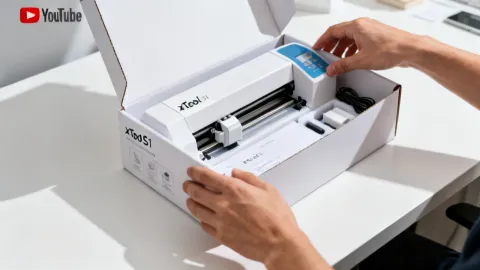
xTool S1 unboxing and setup tutorial

Unboxing & First Setup

12:34 • Getting Started
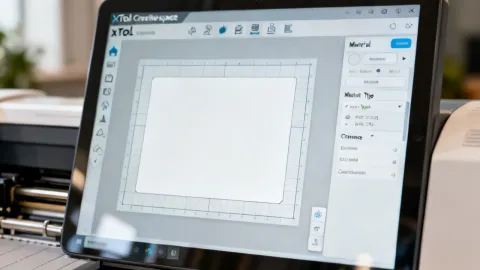
xTool Creative Space software walkthrough

xTool Creative Space Walkthrough

18:22 • Software
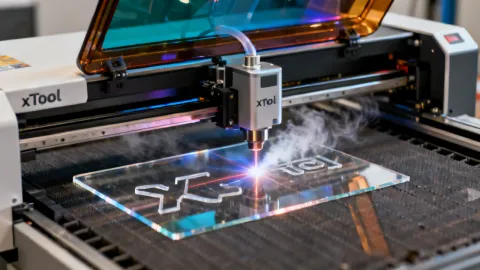
How to cut acrylic with xTool S1

How to Cut Acrylic Perfectly

9:15 • Materials
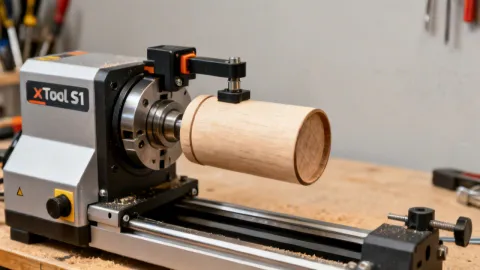
xTool S1 rotary attachment setup

Rotary Setup for Tumblers

14:47 • Accessories
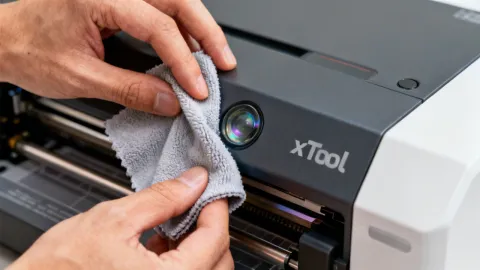
How to clean xTool S1 laser lens

Lens Cleaning & Maintenance

7:08 • Maintenance
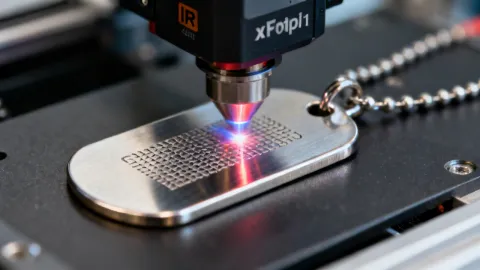
Metal engraving with xTool S1 IR module

Metal Engraving with the IR Module

11:30 • Advanced

Need Help Finding the Right Settings?

Describe the material and project you are working on, and our team will send you recommended laser parameters.

Ask Our Team